
Understanding Data Connectors
Last Updated: 15 April 2026 by Sanjay Subramaniam
Types of Connectors
Provider Connectors
- Purpose: Link a single management system to multiple customer environments
- Use Case: For MSPs and service providers managing multiple customers
- Relationship: One-to-many (one system to multiple customer environments)
Customer Connectors
- Purpose: Link a system to a single customer environment
- Use Case: For individual organizations or customer-specific systems
- Relationship: One-to-one (one system to one customer environment)
How to Setup a Provider Connector:
- Log in to your Paratira account
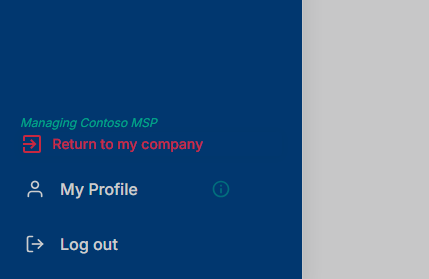
- Ensure that you are viewing the platform as a Provider and not a customer
- Screenshot of where to look in the User Interface to see view
- Navigate to Settings in the left menu
- Select Connectors from the settings submenu
- Click the Add Connector button
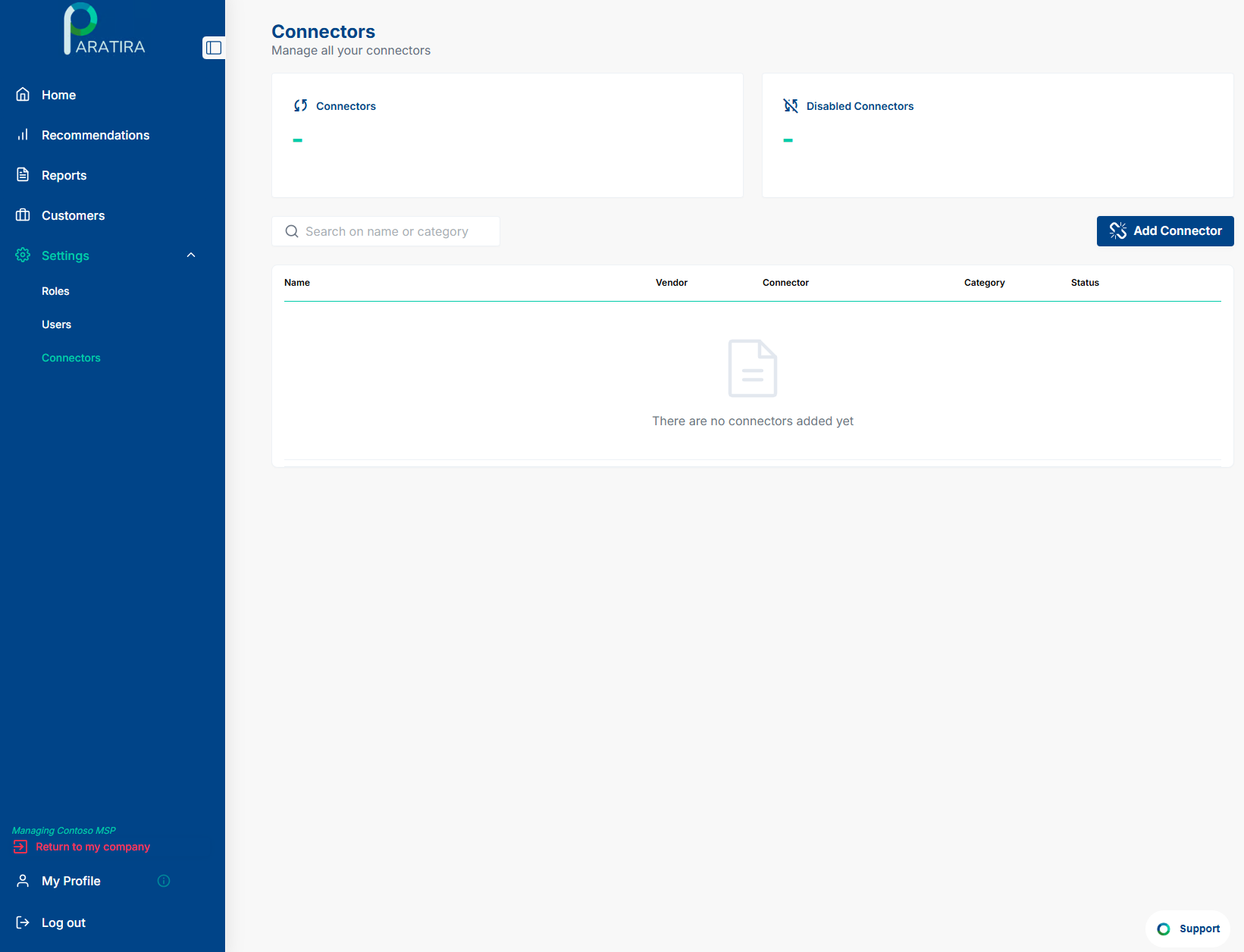
After you have clicked "Add Connector", you will see the following options:
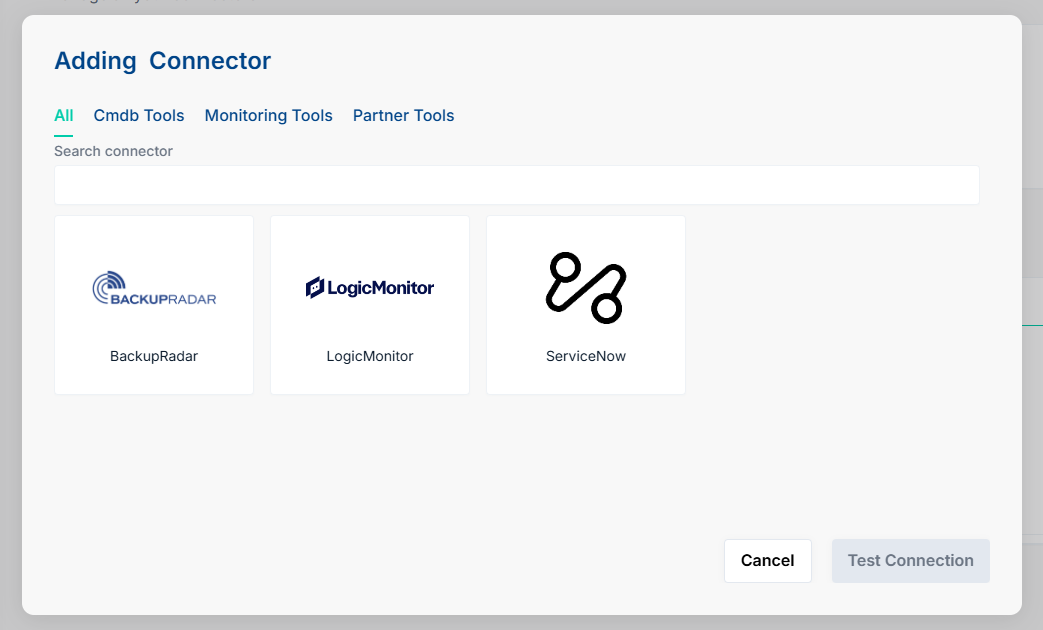
Select the specific connector you want to configure
Configure Authentication
- Enter the required credentials:
- For API-based connectors: API keys, Client IDs, Client Secrets
- For account-based connectors: Username and password
- For OAuth connectors: Complete the authorization flow
- If applicable, specify the tenant ID or account identifier
- Test the connection to verify credentials
Map Customer Relationships
- Match up discovered customers with customers in Paratira by selecting them from the drop-down menu. These should automatically match up, however in the case that the matching is incorrect, then you will need to manually match these.
- For existing customers, match these with the existing customer in the dropdown, which will list most likely matches.
- For new customers, select "Create as a new Customer", this will create a new customer based off the details in the system.
- Confirm each of the mapped customers, and new customers
- Save and complete
Review and Confirm
- Review all configuration settings
- Click Create Connector to finalize setup
Should you have any issues, feel free to reach out to: sanjay.subramaniam@raioam.com